Wiki
v1.0.0+Each project in GeckoFlag includes a Wiki, so your team can keep notes and documentation together with the work it relates to.
Creating a Wiki Page
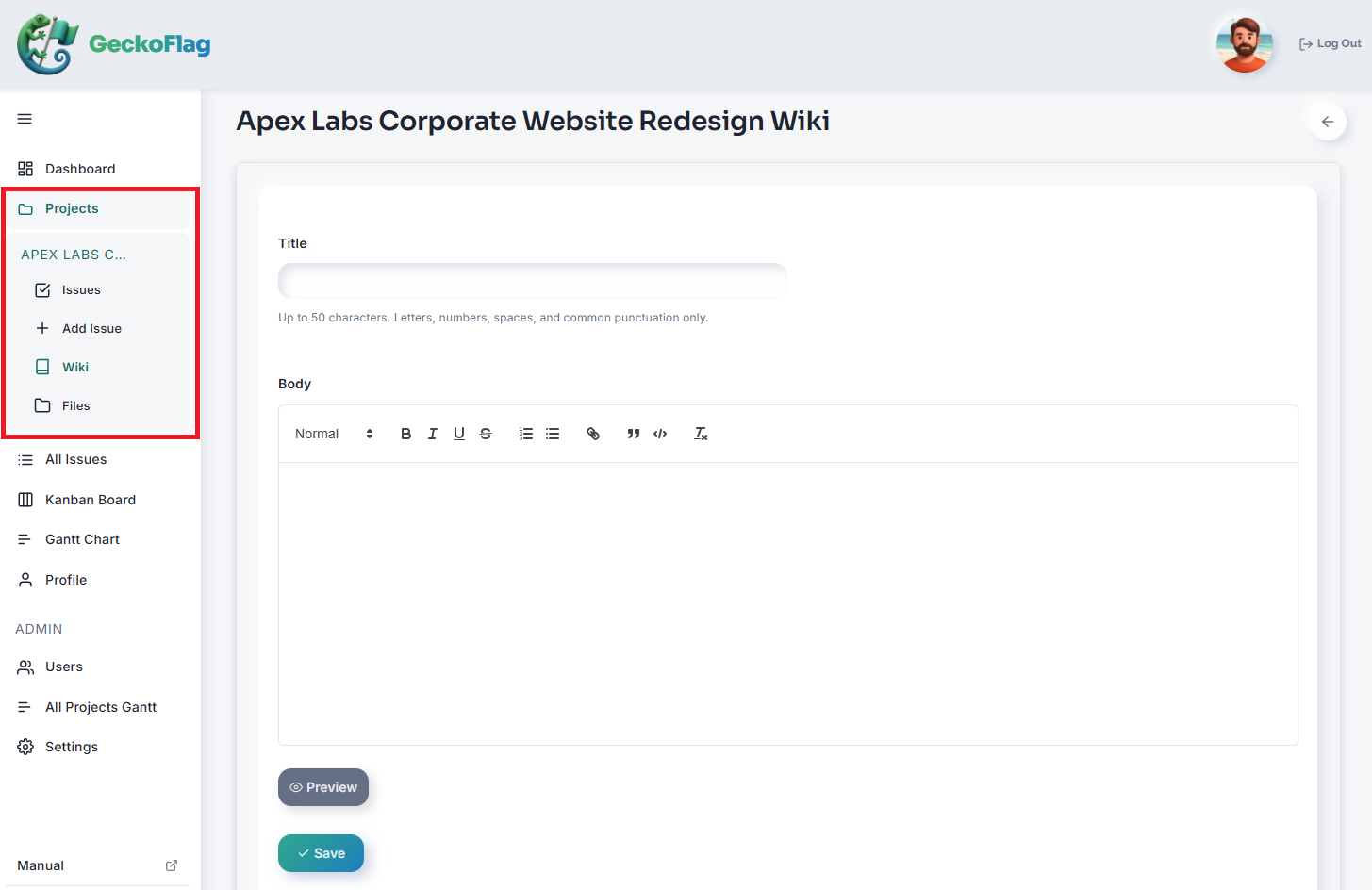
- 1Open the project and go to its Wiki section.
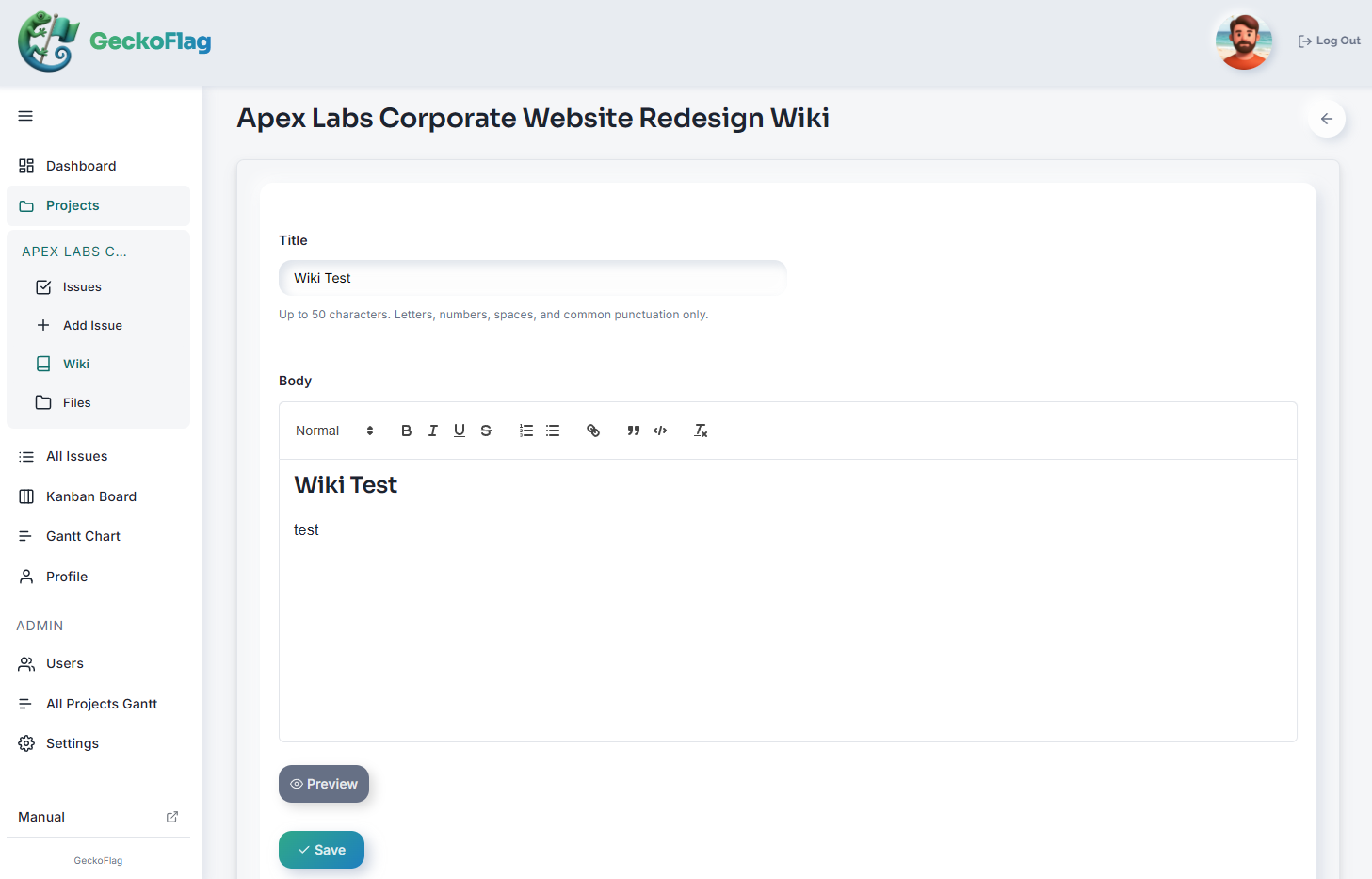
- 2Enter a title and the page content.
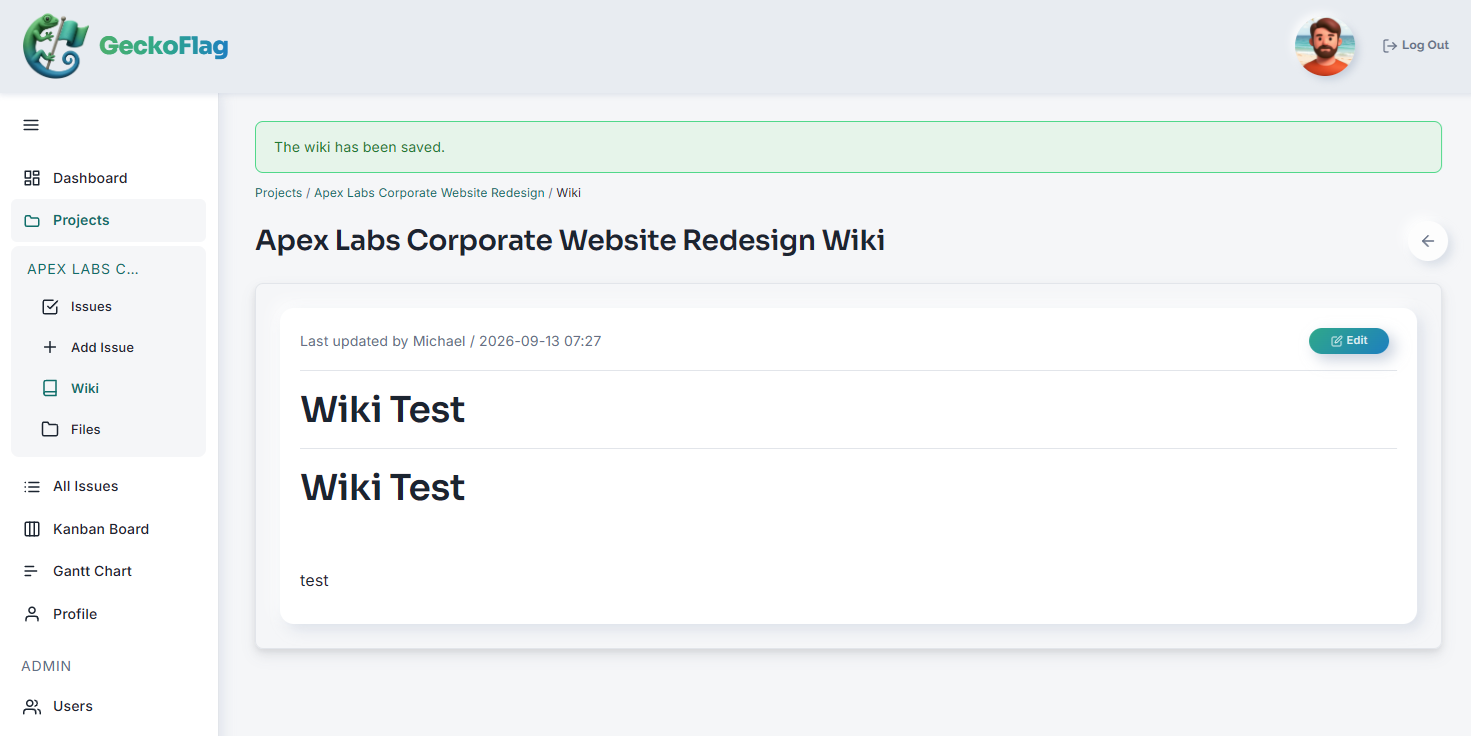
- 3Once you save, the content appears on the page.
About the Wiki
- Wiki pages are scoped to the project they belong to, keeping documentation close to the work it describes.
- Any project member can view and edit the wiki — there's no separate administrator permission for it.