Adding & Editing Issues
v1.0.0+Issues (tickets) are where the actual work gets tracked — each one records what needs to be done, who's doing it, and by when.
Adding a New Issue
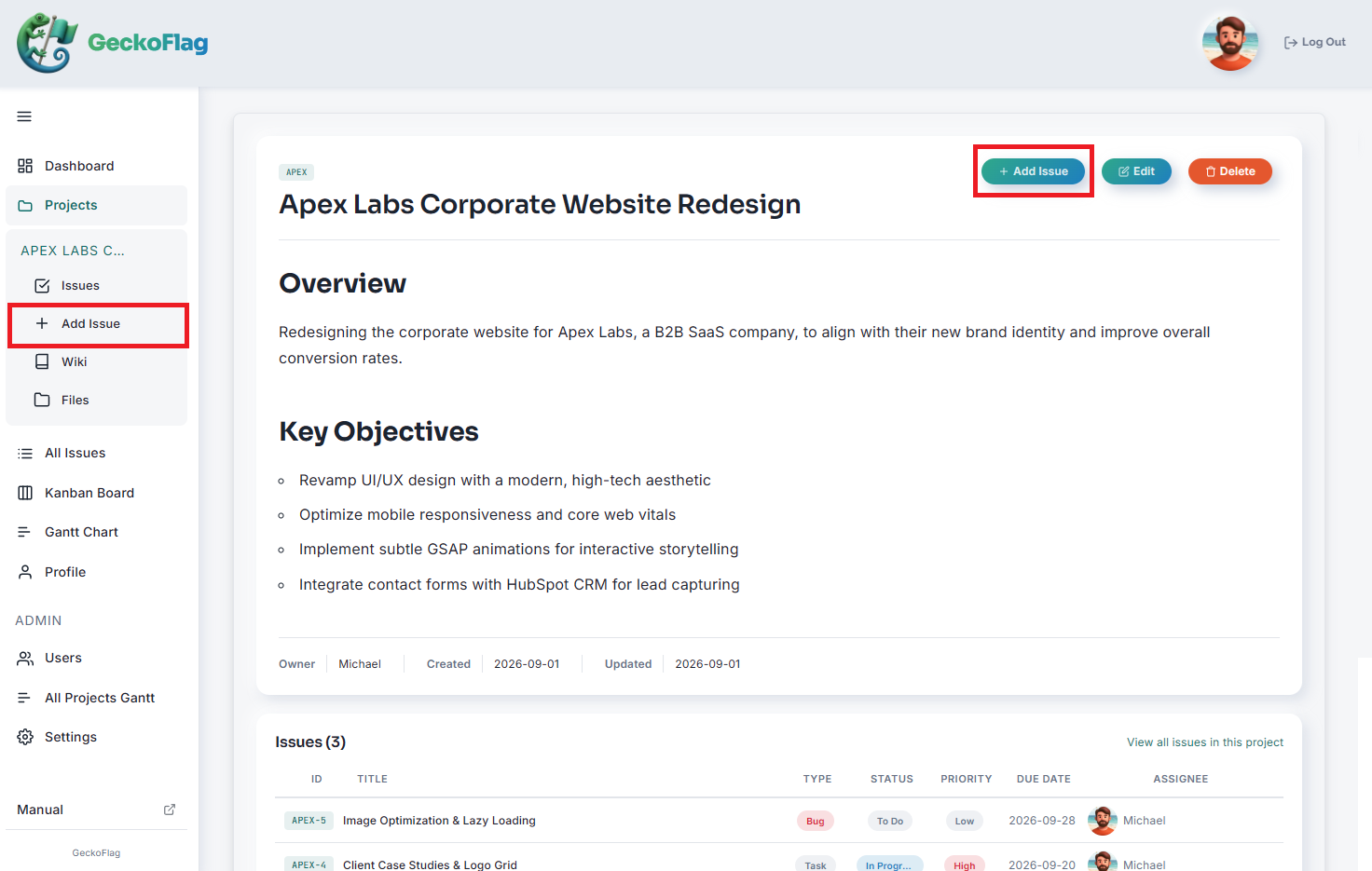
- 1Open the project you want to add an issue to, and click Add Issue.
- 2Set the following:
- Issue Title
- Description
- Issue Type
- Status
- Priority
- Assignee
- Start and due dates
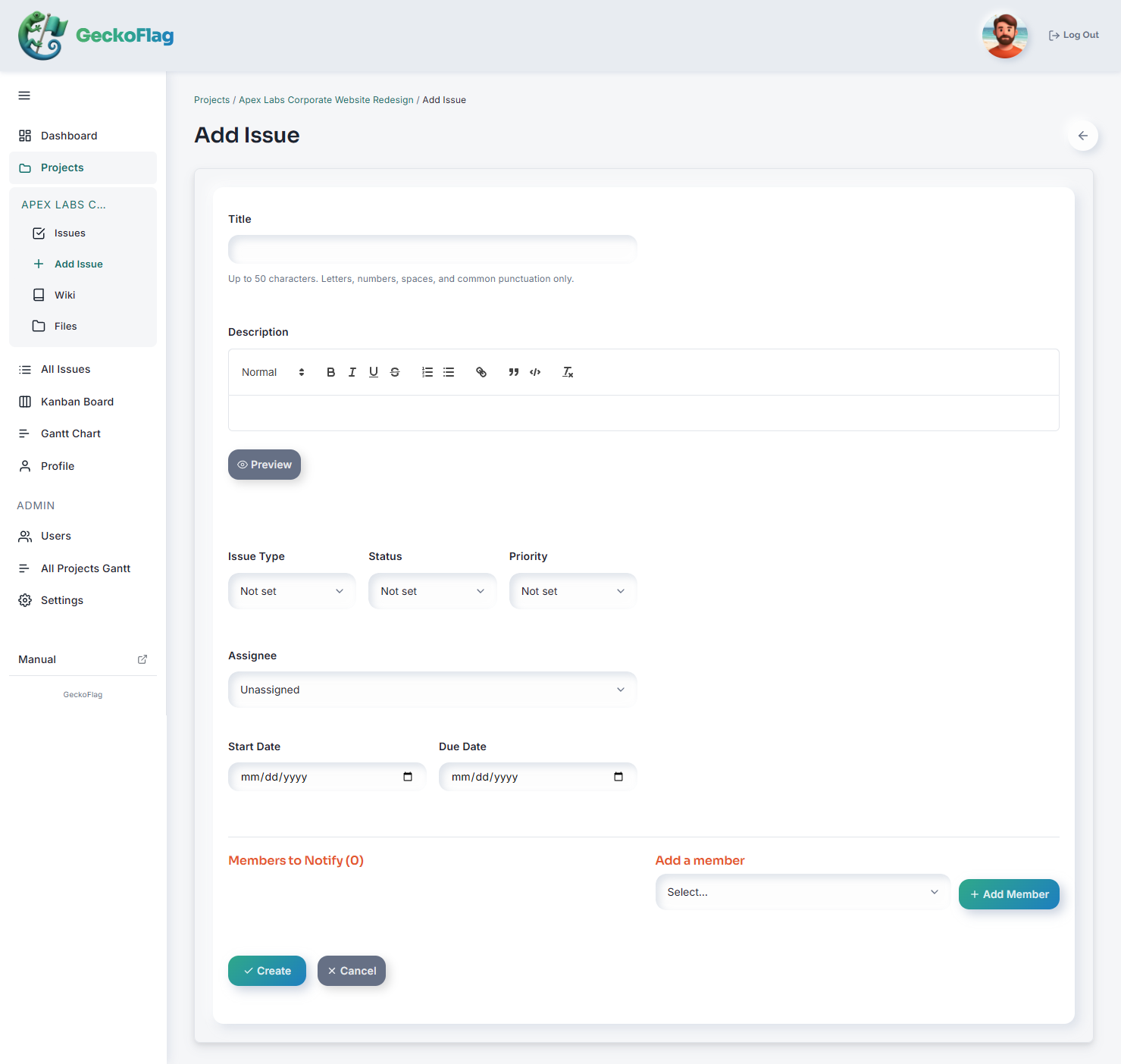
- 3Select the members to notify by email that this issue was added.
- 4Save — the issue is assigned its number automatically.
About Issues
- An issue can record its title, issue type, status, priority, assignee, reporter, start/due dates, and comments, all in one place.
- Issues are numbered automatically and sequentially within each project (e.g. PJ1-1, PJ1-2...).
- You can attach images to issues (JPEG, PNG, GIF, or WebP; up to 5MB each and up to 10 at a time). Attached images can only be viewed by members of that project.