Comments on Issues
v1.0.0+Comments keep the conversation about an issue attached to the issue itself, instead of scattered across chat.
Posting a Comment
- 1Open the issue from a project or from All Issues, and scroll to the comments section.
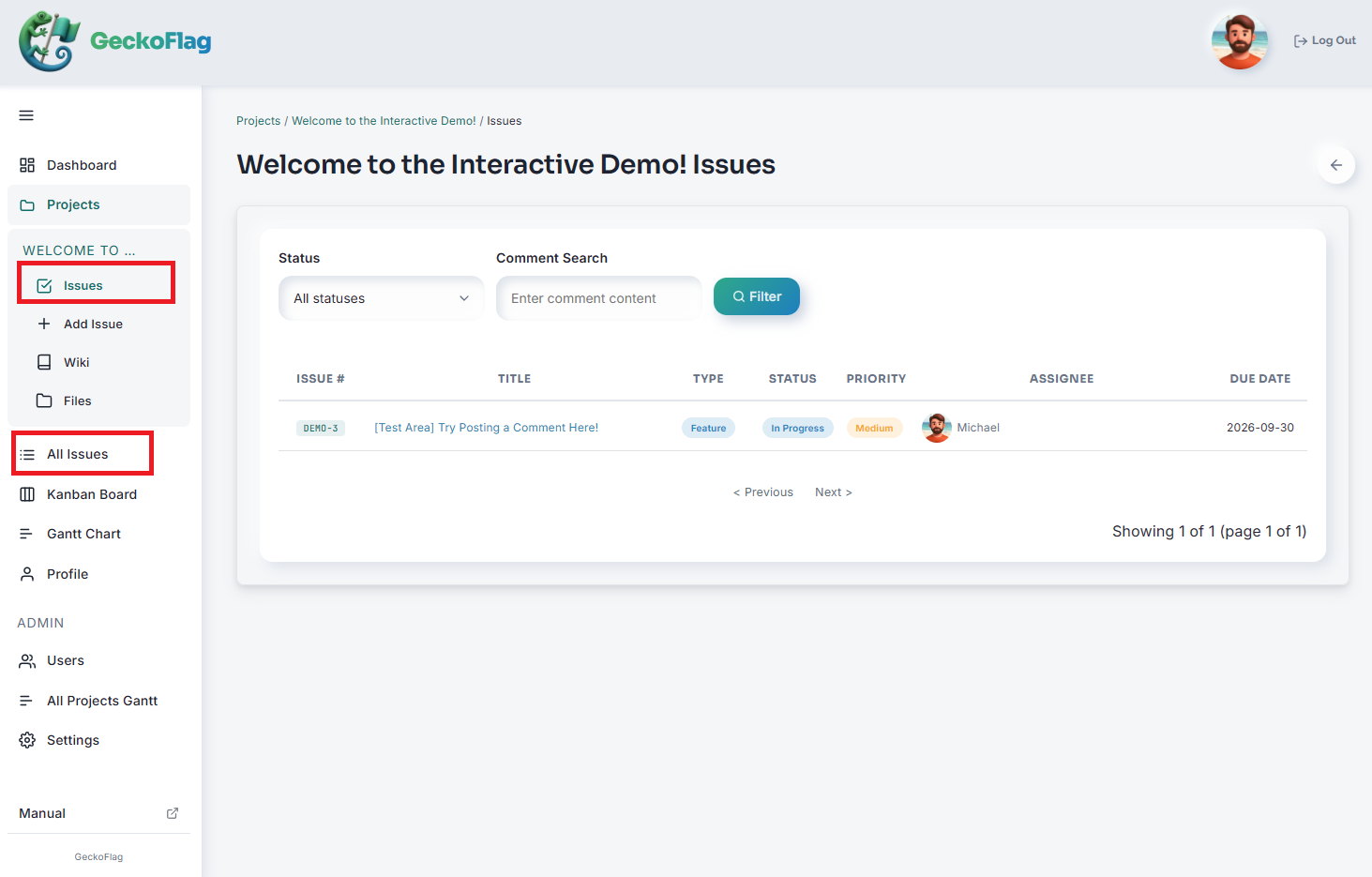
- 2Write your comment using the rich text editor.
- 3Optionally update the status, assignee, or other fields at the same time.
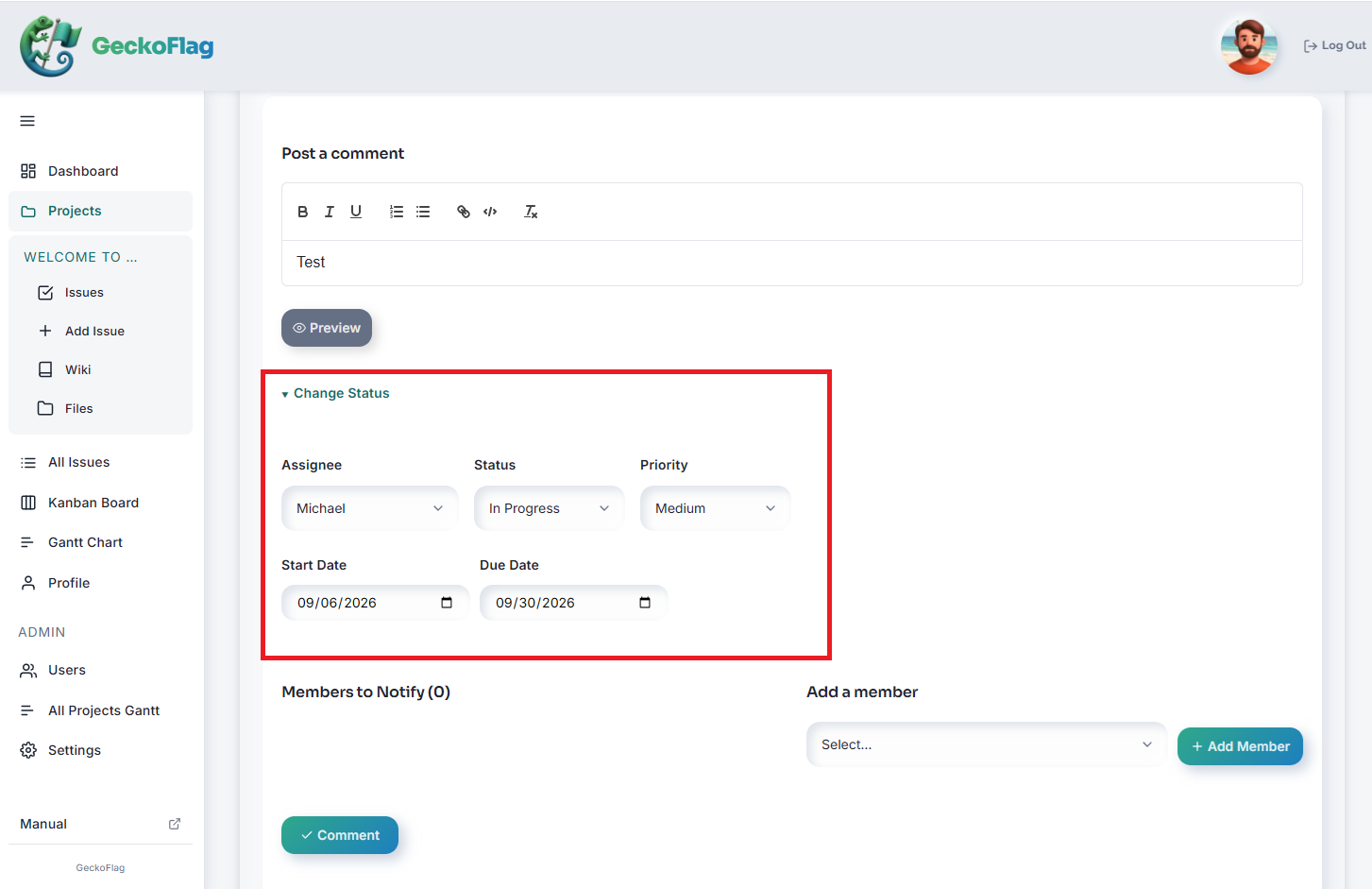
- 4Select the members you want to notify. (Posting the comment sends an email notification to the members you selected.)
- 5Post the comment.
About Comments
- The 3 most recent comments are shown by default; older comments are collapsed and can be expanded with a click.
- Comments support rich text formatting. You can attach images (JPEG, PNG, GIF, or WebP; up to 5MB each and up to 10 at a time).