License Settings
v1.0.0+ Admin OnlyEach GeckoFlag license (purchase code) is valid for use on a single domain, and the same purchase code can't be reused across multiple domains. If you need to move your license — to a new server or domain, or temporarily to a staging environment — you can deactivate it yourself from the license settings in the admin dashboard, then activate it again on the new domain.
Deactivating Your License
- 1Log in with an administrator account.
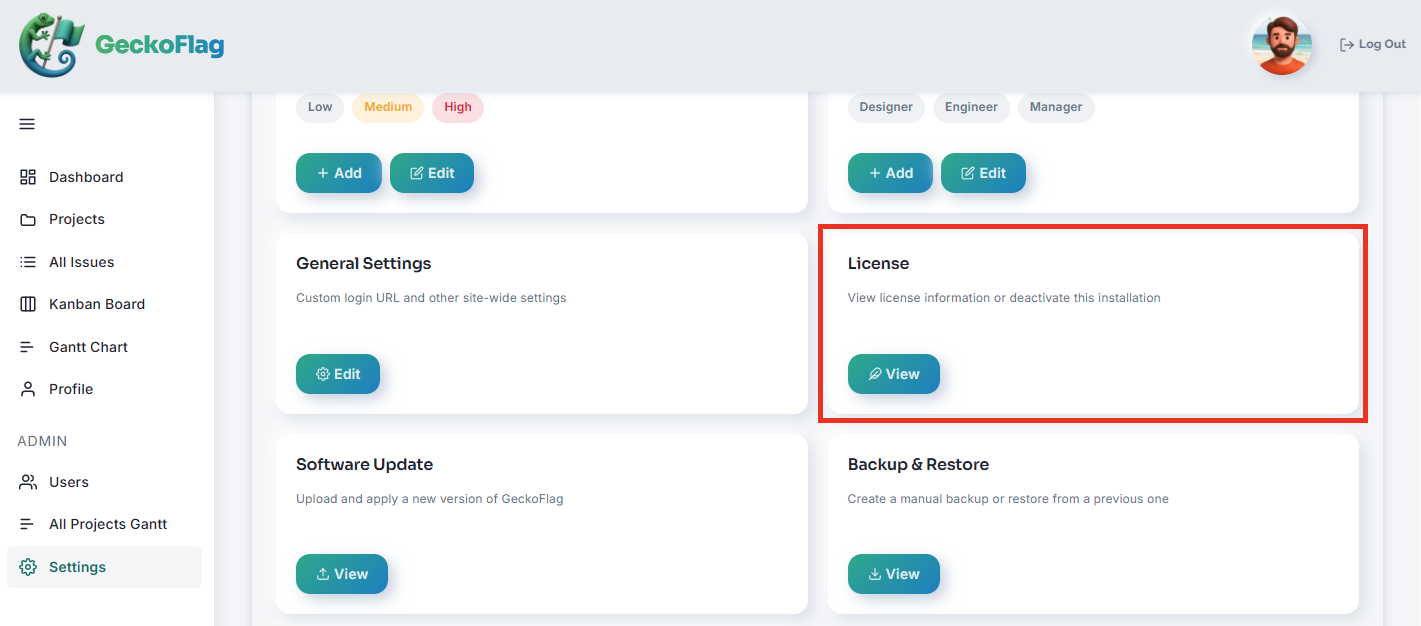
- 2Go to License settings.
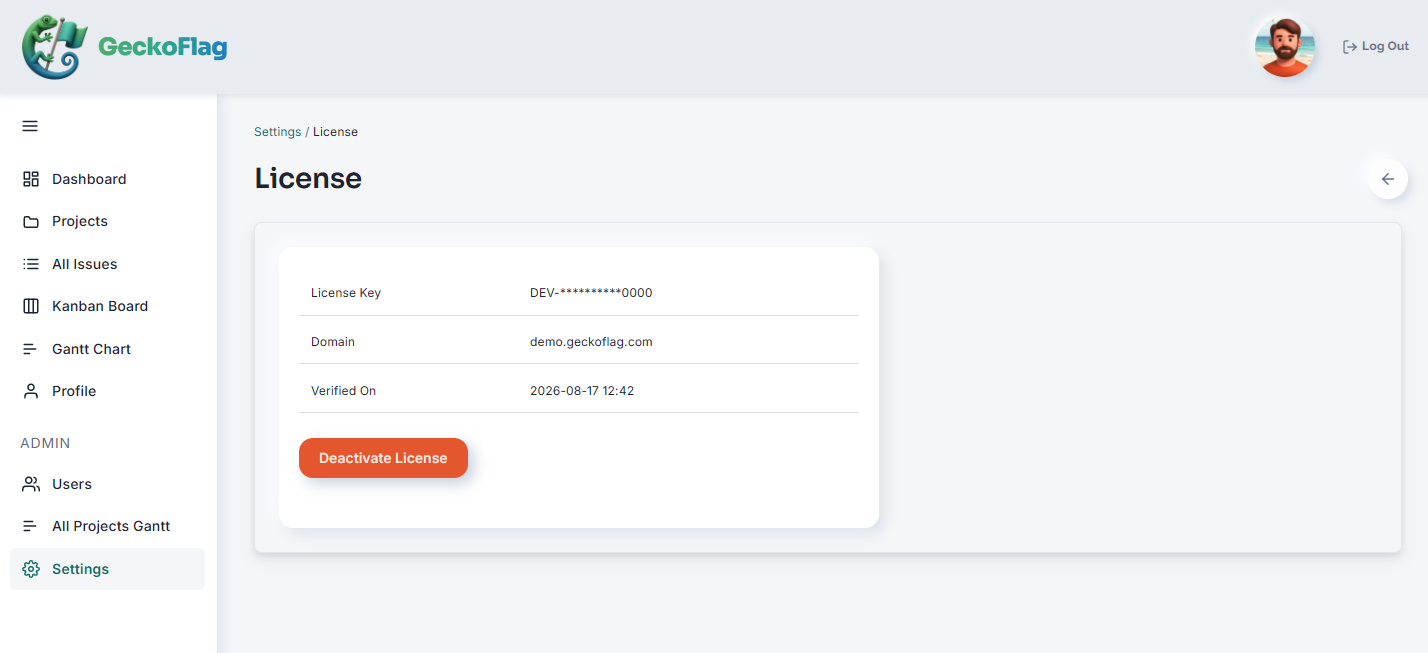
- 3Deactivate the license. You can then activate it again on the domain you're moving to.
When You Might Need This
Common reasons to deactivate include moving GeckoFlag to a new server or domain, or temporarily freeing up your license to test on a staging environment. If you need production and staging running at the same time, you can instead purchase an additional license for the second domain — each license covers one domain.
Internet Connection Required
Activating and deactivating a license requires your server to reach our license server. This is also needed during initial installation.
If Your License Key May Have Been Used by Someone Else
If the license verification screen appears unexpectedly, or you enter your license key and are told it has “already been activated on another domain,” and you have no idea why, your license key may have been used by a third party. Follow these steps to reissue your license key.
- Log in to the customer portal using the link in the email you received from Polar when you made your purchase.
- Click the “Rotate” button in the license key field. A new license key is issued, and the previous key can no longer be used.
- Enter the new license key on the GeckoFlag license verification screen.
* You can use this method to move activation from another domain up to 3 times per year.