Restore
v1.0.0+ Admin OnlyRestoring a backup returns your GeckoFlag data to the state it was in when that backup was taken. This is also useful if an update ever fails — see Updating GeckoFlag.
Restoring from a Backup
- 1Log in with an administrator account.
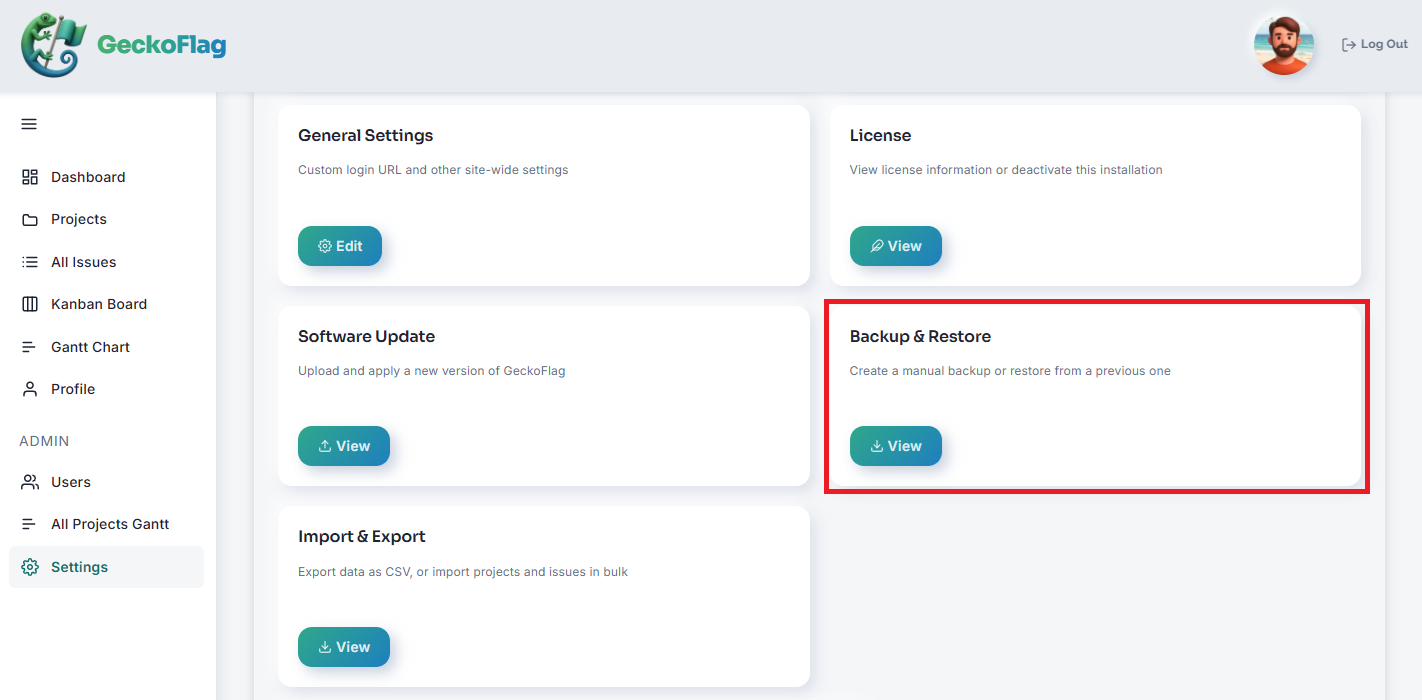
- 2Go to the backup area in the admin dashboard and choose Restore.
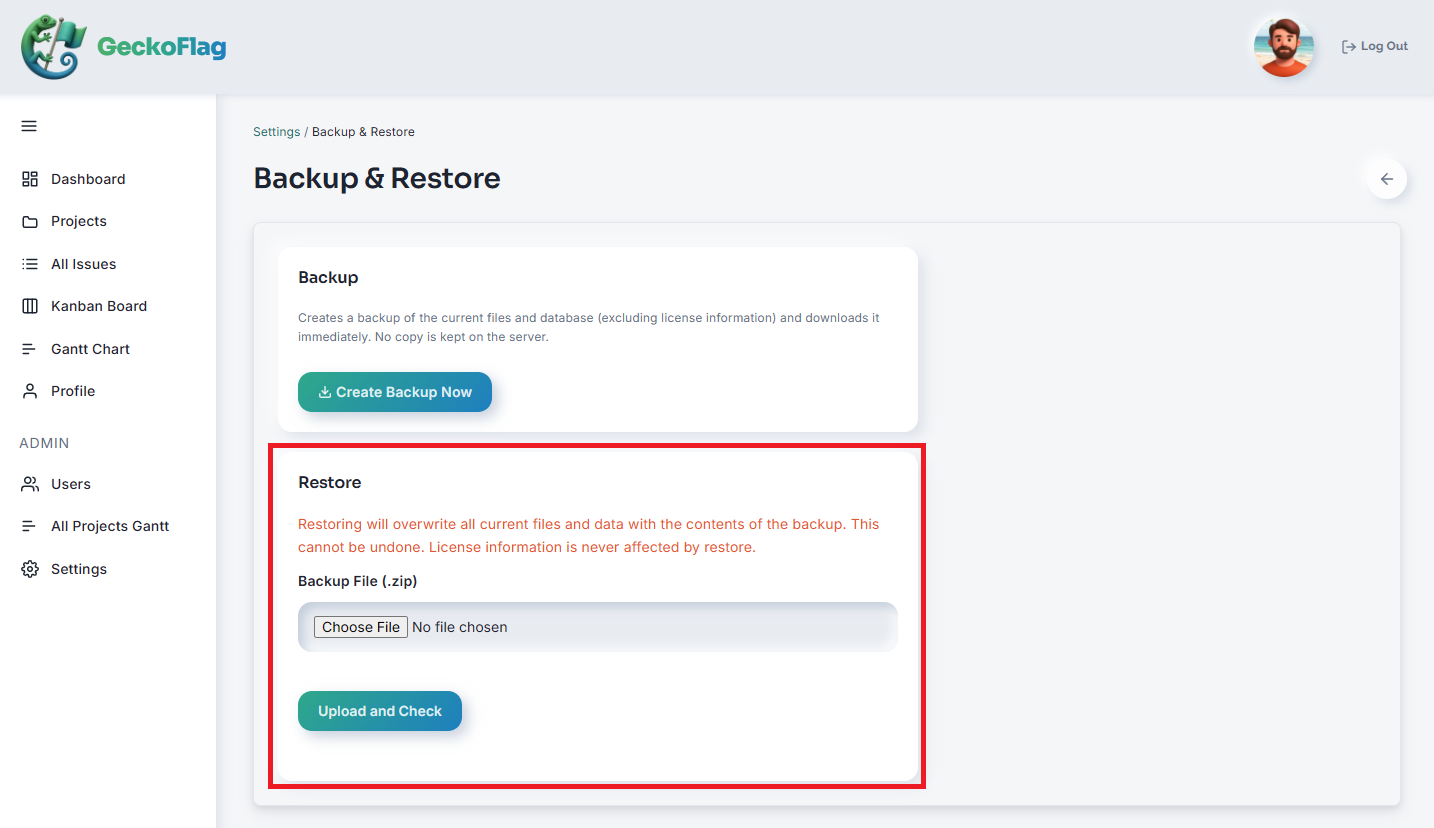
- 3Upload the backup ZIP file you want to restore from.
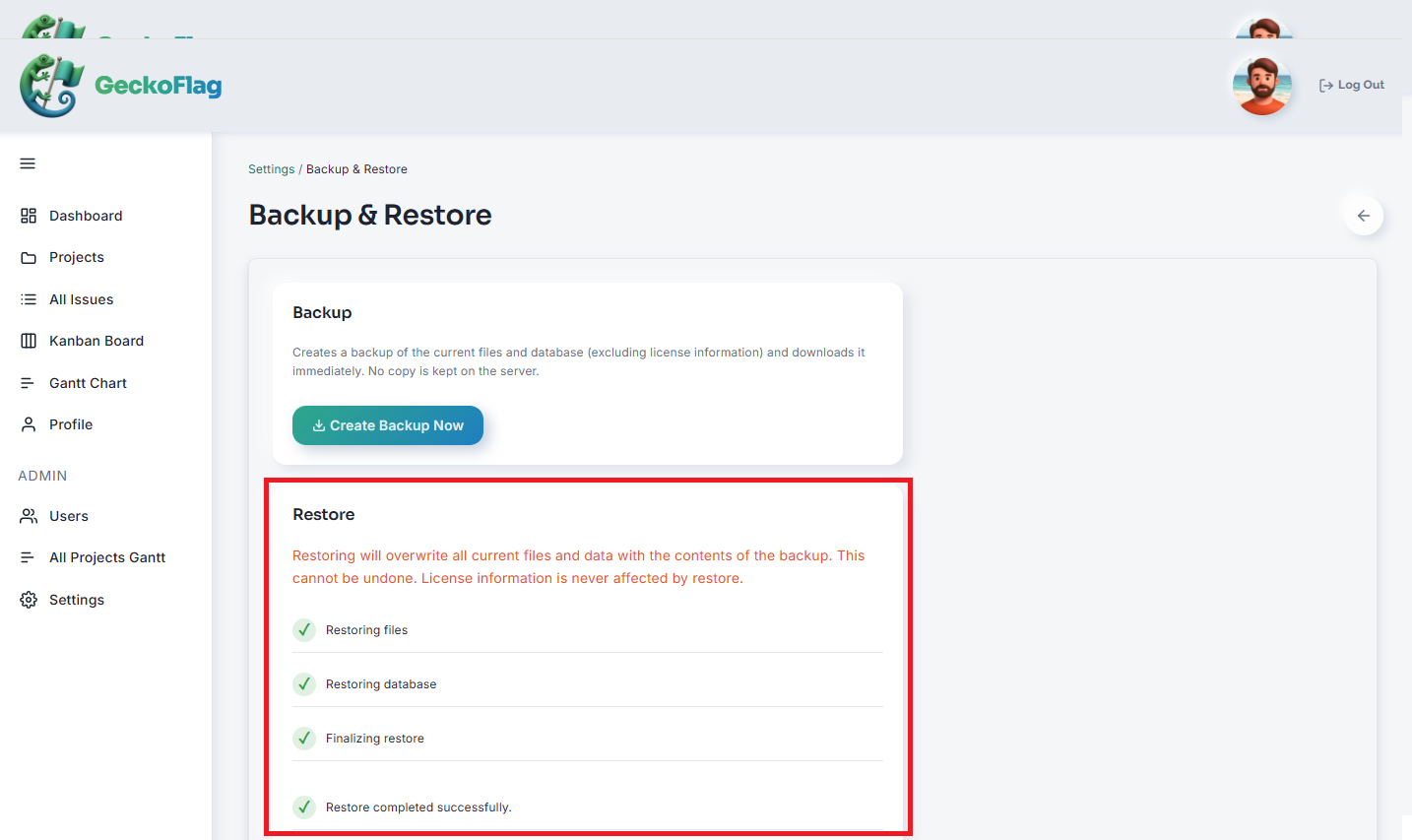
- 4Confirm to run the restore. Your data is restored to the state captured in that backup, and you'll be returned to the login screen once it finishes.
About License Information
License information is always excluded from backup and restore, to prevent misuse. Restoring to a different domain will never copy over the license status.