Backup
v1.0.0+ Admin OnlyYou can back up your GeckoFlag data at any time from the admin dashboard.
Taking a Manual Backup
- 1Log in with an administrator account.
- 2Go to the backup area in the admin dashboard.
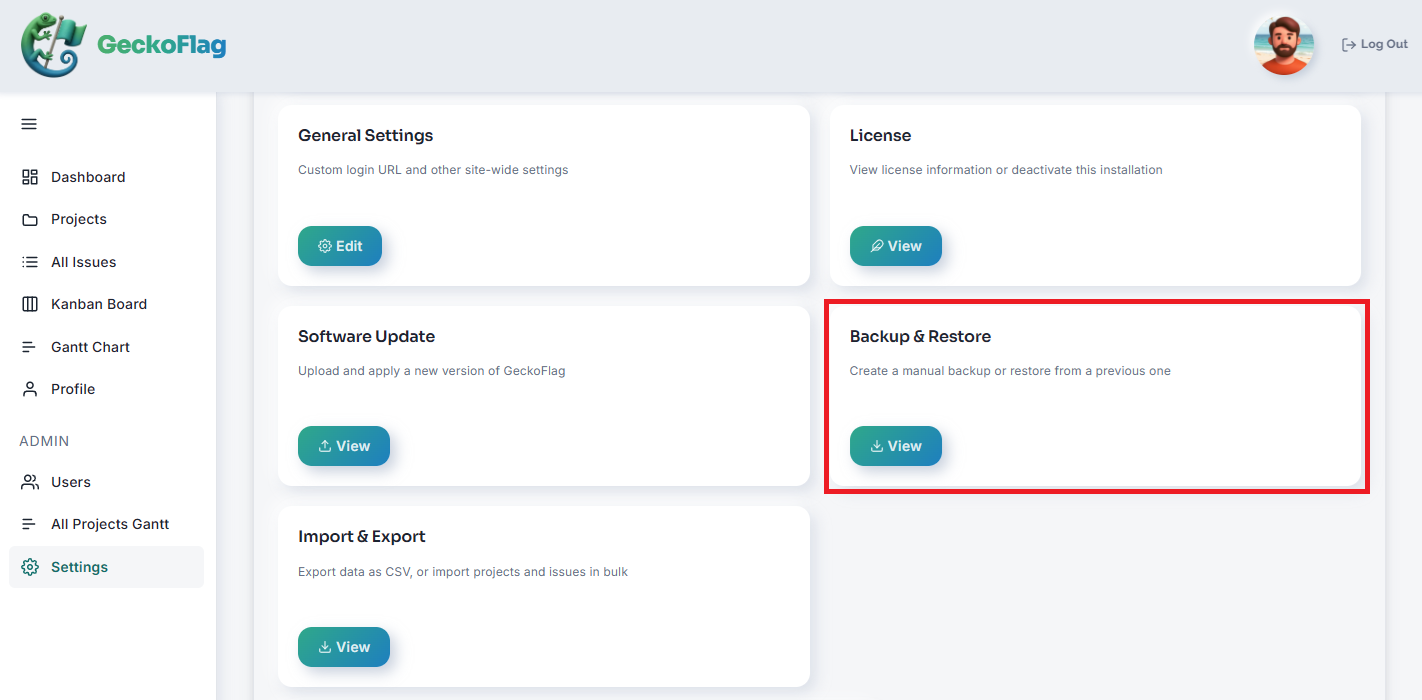
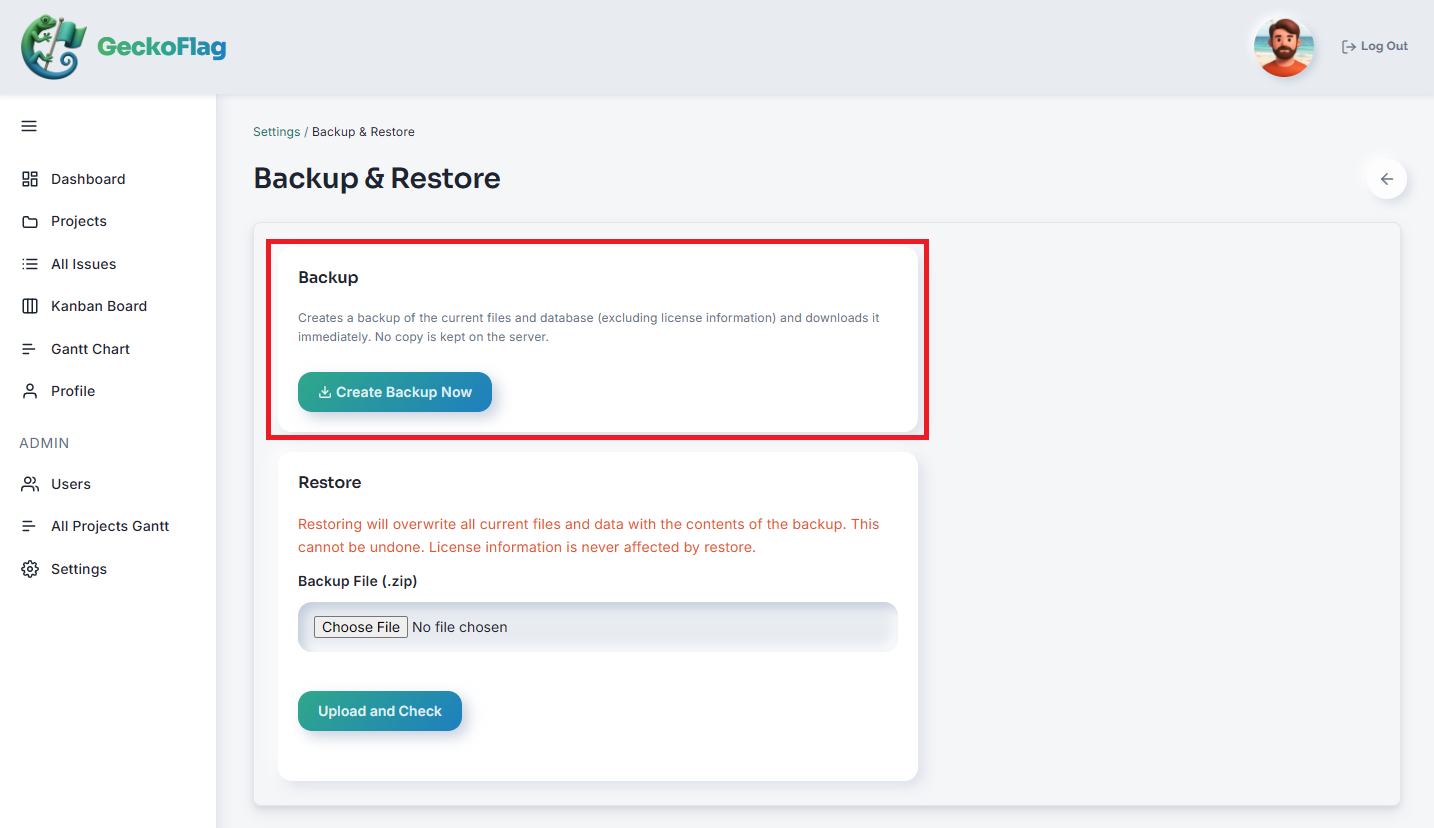
- 3Run a manual backup. It's generated immediately and offered to you as a ZIP file to download — nothing is stored on the server, so keep the downloaded file somewhere safe.
What's Excluded
License information is always excluded from backups, to prevent misuse. When you later restore a backup, license status is never carried over — see Restore.