Gantt Chart
v1.0.0+GeckoFlag's Gantt chart lets you visualize your project schedule as a timeline, so you can see task progress and dependencies at a glance.
Viewing the Gantt Chart
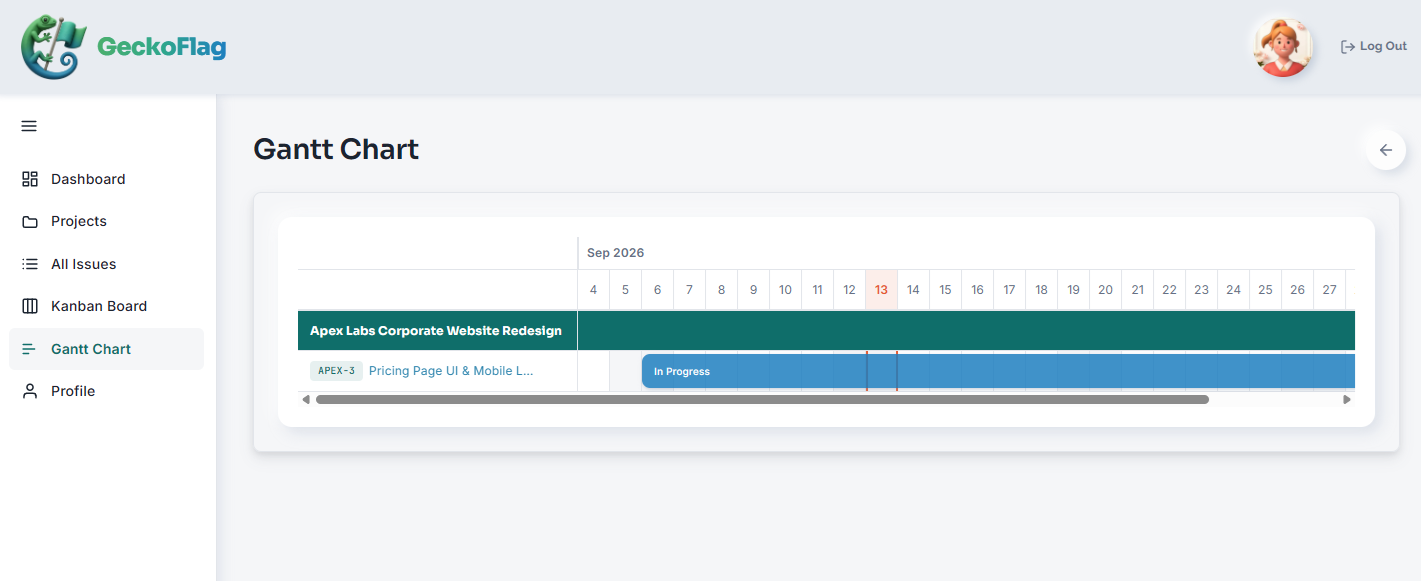
- 1Open a project and go to its Gantt Chart section to see that project's task schedule on a timeline.
- 2Each task shows its start and end dates and current status right on the chart, so you can spot delays at a glance.
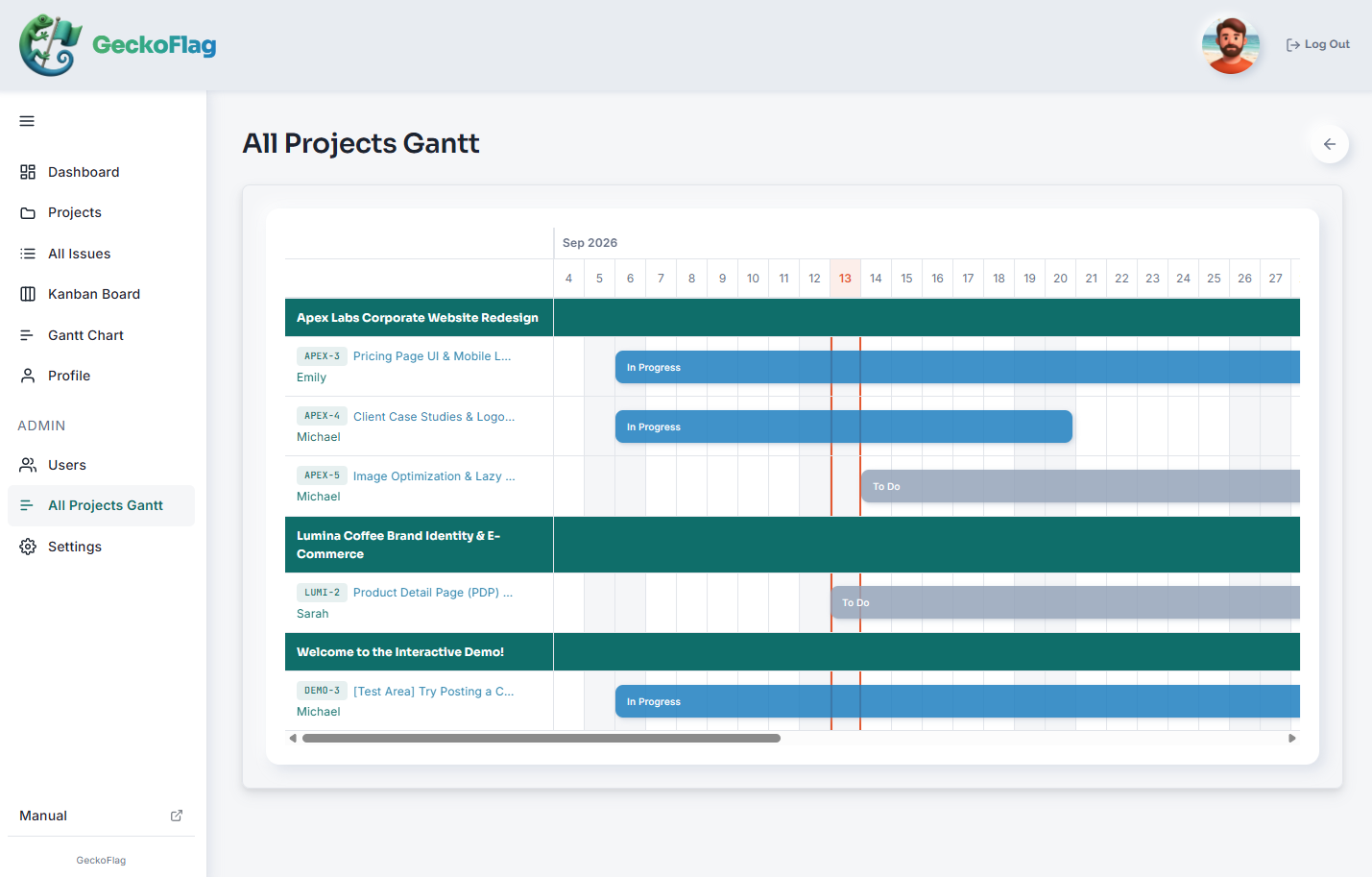
- 3Administrators can open All Projects Gantt from the admin dashboard to see every project's schedule together and track each user's progress across the whole team.
About the Gantt Chart
- Dependencies between tasks are shown on the chart, so you can see how a delay in one task affects the rest.
- The Gantt chart updates automatically whenever a task's dates, status, or assignee changes.
- Administrators can view the Gantt chart across every project and track each user's progress from the admin dashboard.