Kanban Board
v1.0.0+GeckoFlag's Kanban board arranges tasks as cards by status, so you can see how a project is progressing at a glance.
Viewing the Kanban Board
- 1Open Kanban Board from the sidebar, choose a project from the dropdown, and click Show.
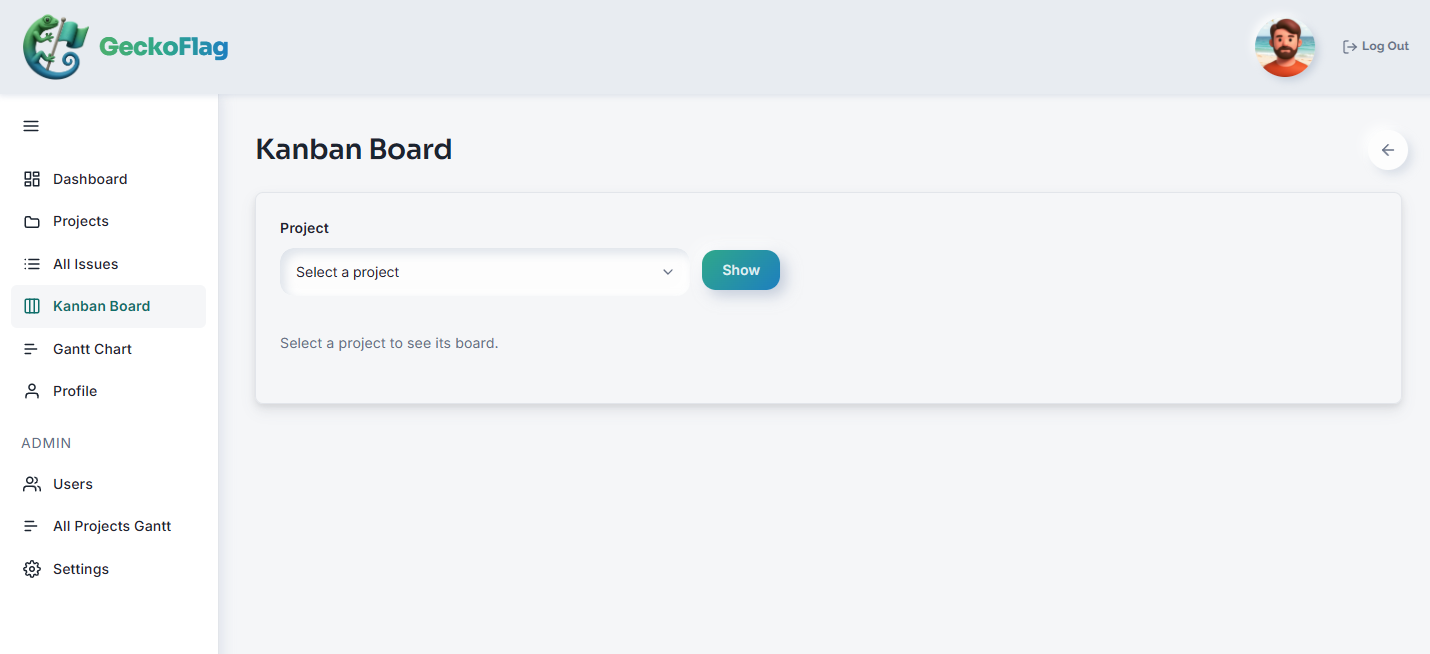
- 2The board shows a row for each status (such as To Do, In Progress, and Done), each with the number of tasks in it.
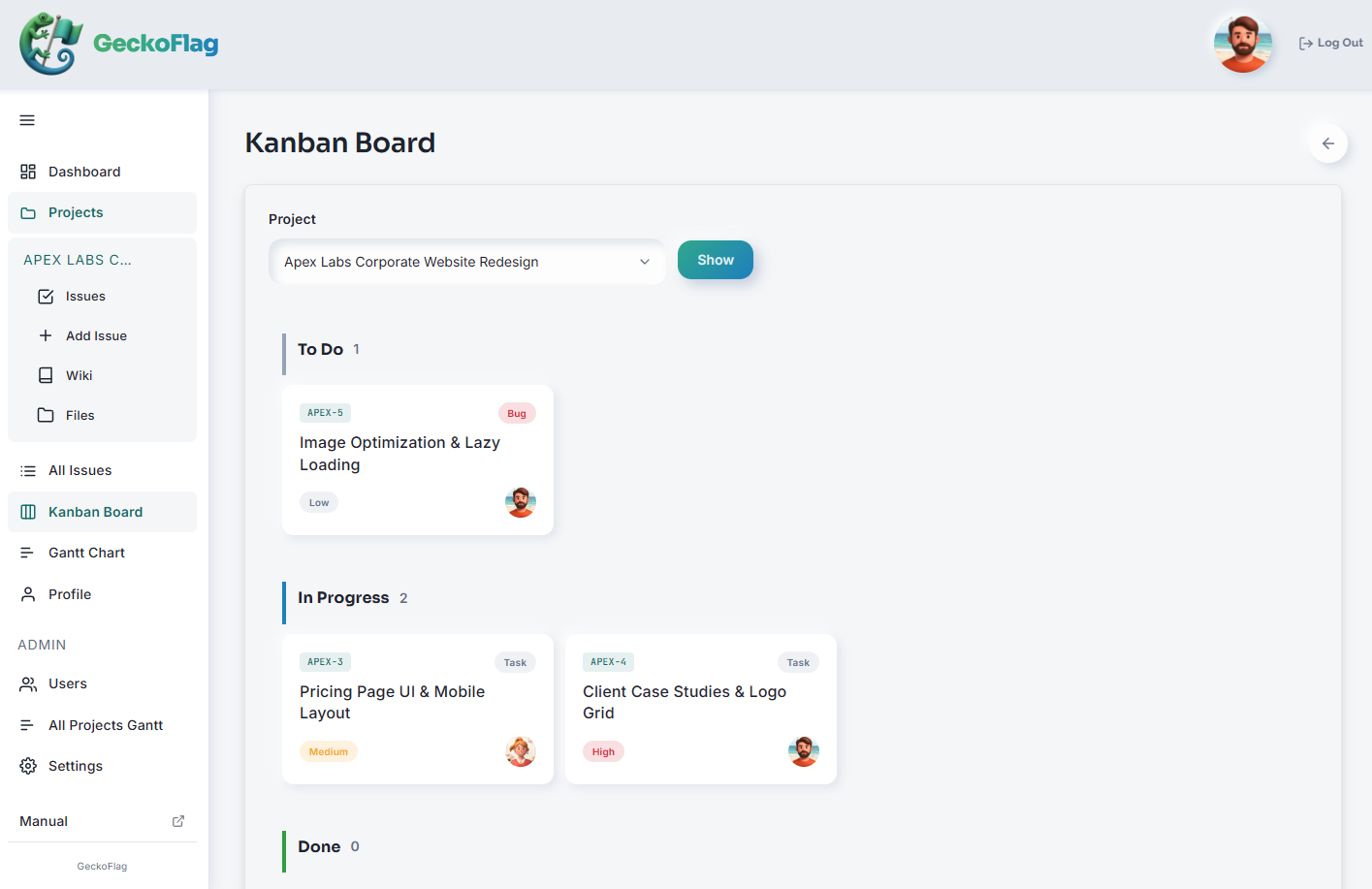
- 3Each card shows the issue type, priority, and assignee, so you can see what's next, in progress, or stuck at a glance.
Changing the Status by Dragging Cards (v1.8.0+)
- 1Drag the issue's card to the row of the status you want to move it to.
- 2Drop the card. The status changes right away, and the count in each row is updated.
About Drag and Drop
- A comment is added automatically — the same one that's added when you change only the status on the issue screen.
- Email notifications are sent only to users who have checked “Notify me of all comments on issues in projects I participate in” in their profile (not to the person who moved the card).
- The same permissions apply as on the issue detail screen: administrators and project members can move cards. Guests can too if they are members of the project.
- If someone else changed the status of the same issue after you opened the board, the change is not saved. The card goes back to where it was, and the message “This issue has been updated by someone else. Please reload the page.” appears. If saving fails, the card also goes back to where it was.
About the Kanban Board
- The Kanban board is per-project — choose a different project from the dropdown to see its board.
- Because tasks are organized by status, you can quickly spot what to work on next — or what's stuck — without digging through a list.
- Changing the status by drag and drop is available on PC only.
- Issues whose status is “Not set” are also shown on the board (v1.8.0+).