Files
v1.0.0+Keep specs, design files, and other task-related materials together with the project they belong to, instead of buried in email or chat.
Uploading a File
- 1Open the project and go to its Files section.
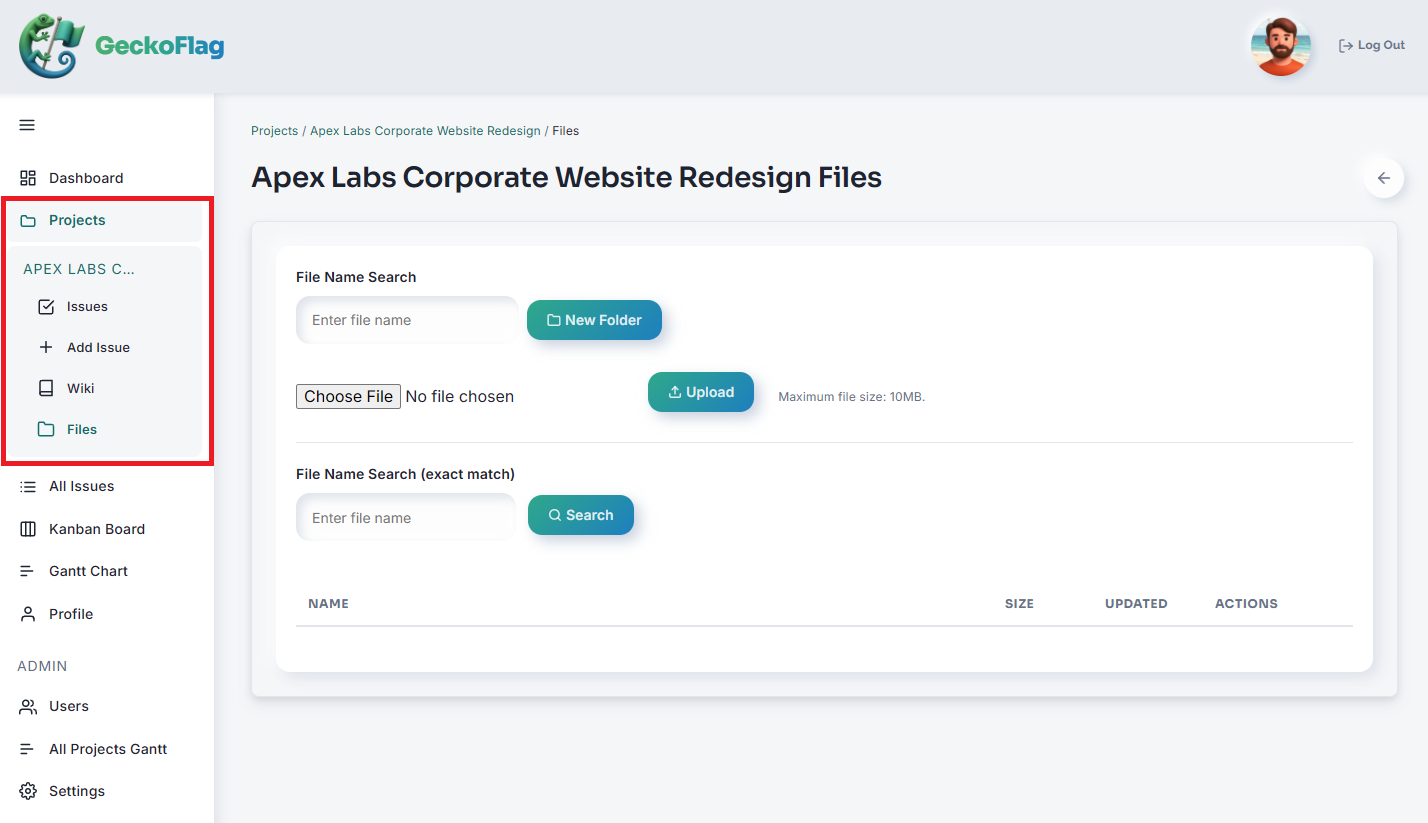
- 2Click Upload and choose the file from your computer.
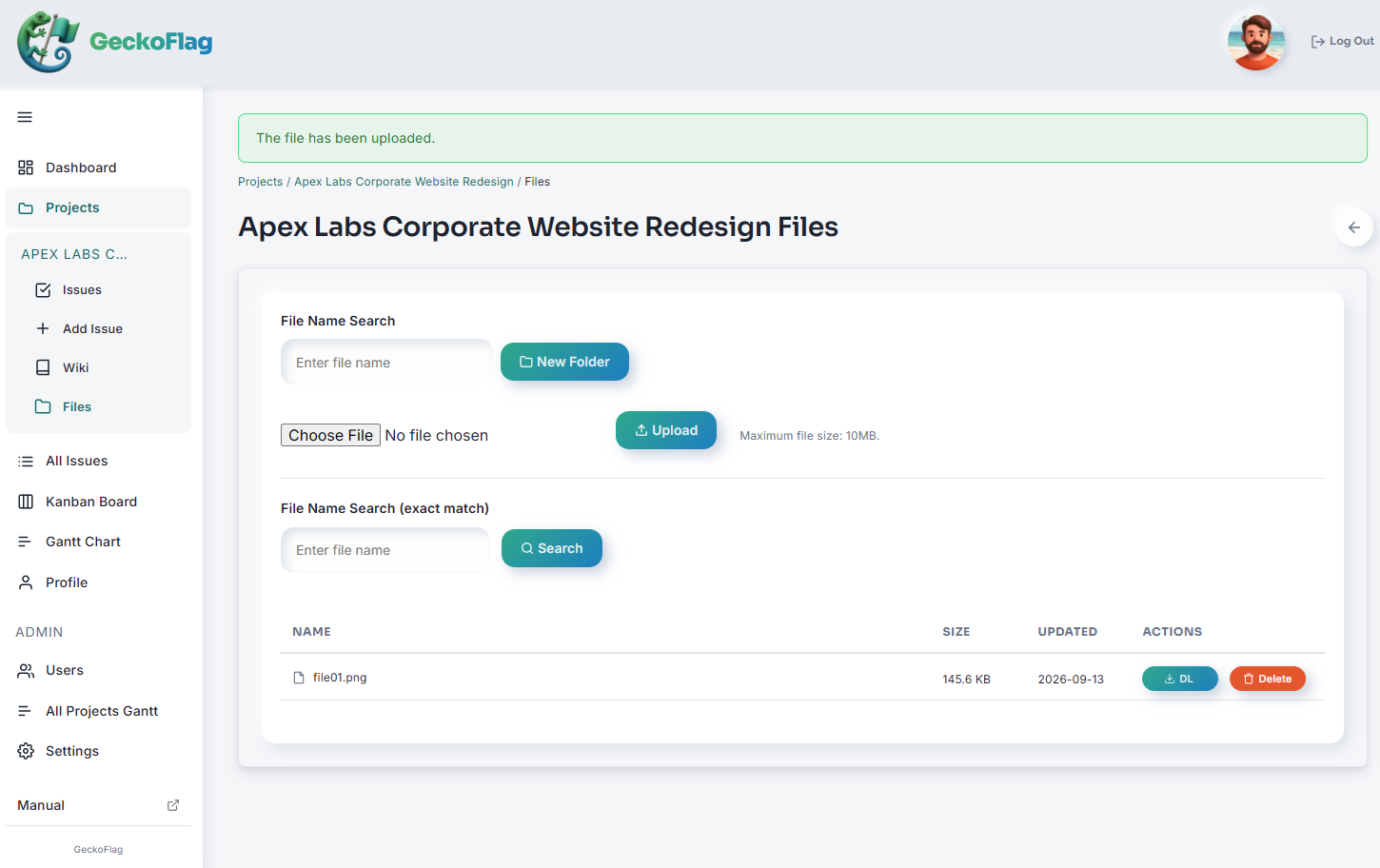
- 3The file is added to the project.
About Files
- Files are attached at the project level — up to 10MB per file.
- If your server has a lower
upload_max_filesizesetting in PHP, that limit applies as well.
Files You Can't Upload
Files that could be run as scripts on the server can't be uploaded. This applies to files with the following extensions: .php .php3 .php4 .php5 .php7 .phtml .phar .cgi .pl .py .rb .sh .asp .aspx .jsp .exe .bat .cmd .com .js .htaccess