Profile
v1.0.0+Every GeckoFlag user can manage their own display language and time zone from their profile settings — no administrator permissions required.
Editing Your Profile
- 1Log in to GeckoFlag and open your Profile Settings.
- 2Update your various settings.
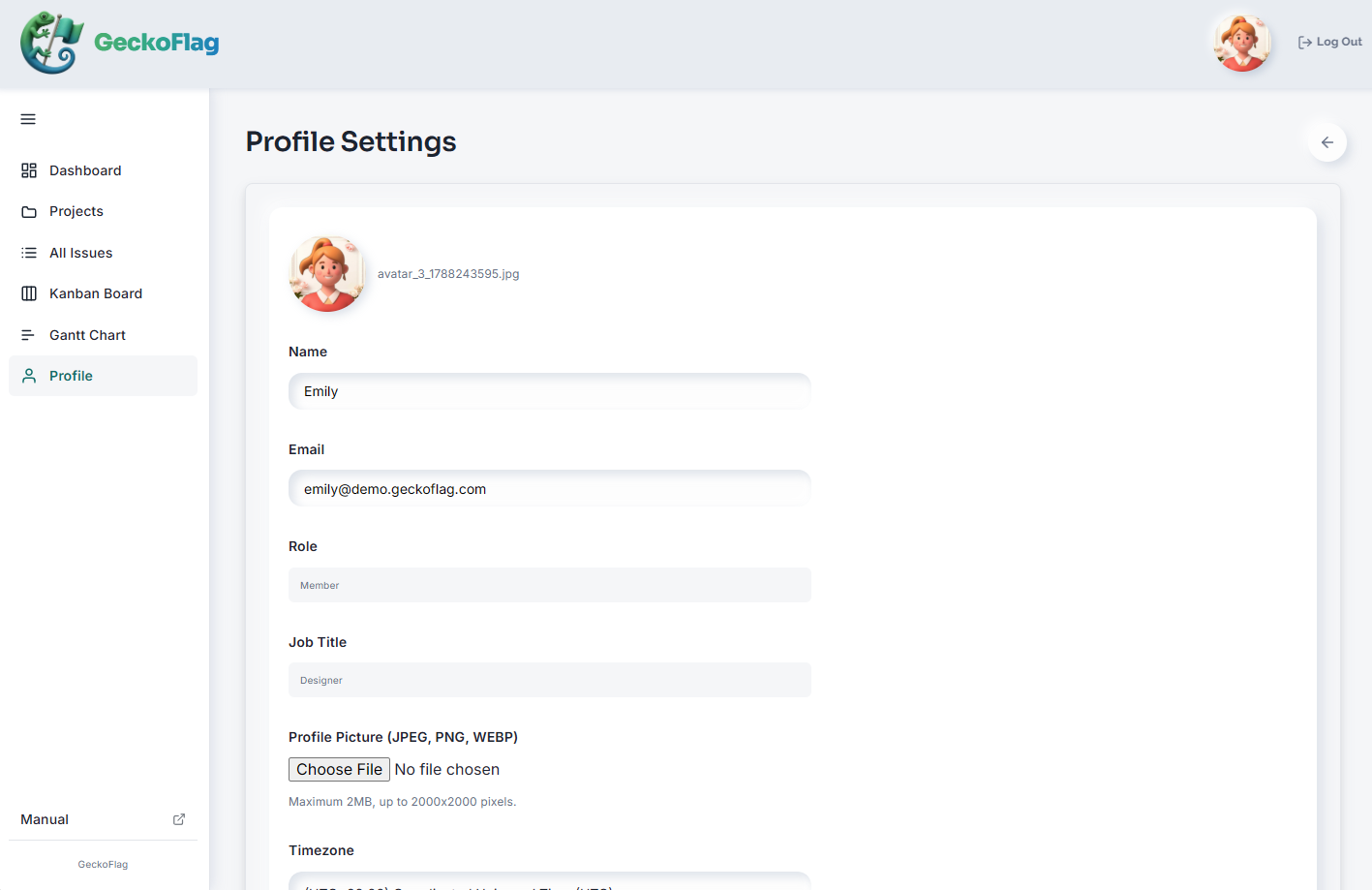
- 3Save your changes to apply them immediately.
About Profile Settings
- Your display language and time zone are personal settings that apply only to your own account — they don't affect what other users see.
- GeckoFlag supports 15 languages: English, Spanish, Portuguese, French, German, Italian, Turkish, Japanese, Korean, Chinese (Simplified and Traditional), Indonesian, Vietnamese, Thai, and Arabic.
- Profile pictures can be JPEG, PNG, or WebP images of up to 2MB and up to 2000×2000 pixels.
- Changing your email address or password requires entering your current password (v1.9.7+). Passwords must be at least 8 characters long and contain both letters and numbers (up to 72 bytes; characters such as accented letters or Japanese count as 2 to 4 bytes each).
- Role, job title, and department can only be changed by an administrator.