Jira Data Center Ends in 2029: Four Options for Teams Running Jira on Their Own Servers
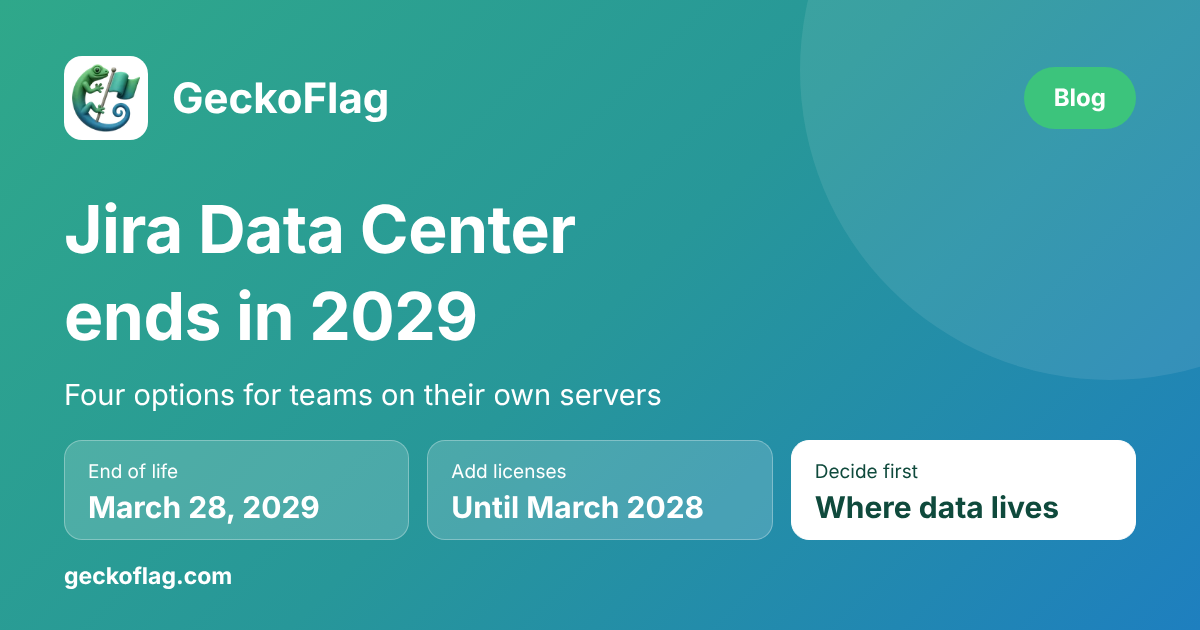
Atlassian has announced that the “Data Center” edition of Jira, which you run on your own servers, will reach end of life on March 28, 2029. Sales to new customers already ended in March 2026.
For teams running Jira on their own servers, that leaves about two and a half years. A migration often takes several months including preparation, so now is the time to start thinking about where to run it next.
This article sets out what stops and when, divides the paths you can take into four, and explains which teams each one suits.
Key takeaways
- Jira Data Center reaches end of life on March 28, 2029. After that, licenses expire and become read-only.
- There are four paths: move to Jira Cloud, use Atlassian’s dedicated clouds, move to another self-hosted tool, or keep using it until the deadline while you decide.
- Whichever you choose, first taking stock of the features you actually use in your current Jira makes the choice easier.
Note: this article is written by the developer of GeckoFlag. Atlassian’s dates and prices were checked on November 6, 2026.
The short answer: decide “where to run it” before 2029
There’s still time, but a migration comes in three stages: choosing a tool, moving the data and relearning how to work, and each takes time. The first thing to decide is whether your data may be stored in a cloud outside your company. Once that’s settled, the paths you can take narrow down naturally.
What stops, and when
Atlassian’s published timeline is as follows.
| When | What happens |
|---|---|
| February 2024 | Support ends for the self-managed “Server” edition (the generation before Data Center) |
| September 2025 | End of life of the Data Center edition is announced |
| March 30, 2026 | Sales of the Data Center edition and its apps to new customers end |
| March 30, 2028 | Last day for existing customers to buy additional licenses or Data Center apps |
| March 28, 2029 | End of life of the Data Center edition. Licenses and app licenses expire and become read-only |
Pay attention to March 2028. After that date, you can’t add licenses even if your team grows. If you expect your team to grow, it’s safer to treat that as your real deadline.
Teams most affected
- Data can’t leave the company: industry rules or client contracts don’t allow issue content to be stored in an outside cloud.
- Used only on the internal network: you run it in an environment cut off from the internet.
- Relying on Data Center apps: the apps you use don’t necessarily have the same version in the cloud.
- Custom integrations: integrations with your internal systems need to be rebuilt in the new tool.
On the other hand, if you don’t mind where your data is stored and the features you use stay within the standard range, the migration burden will be relatively small.
Four paths you can take
1Move to Jira Cloud
This is the path Atlassian recommends most. Migration tools are provided, and you can keep working in much the same way as in your current Jira. You can also leave server management and updates to Atlassian.
The thing to watch is that the shape of your costs changes. Jira Cloud is billed monthly per user, and the Standard plan is about $8.48 per user per month (with monthly billing). Your data is stored in Atlassian’s cloud.
2Use Atlassian’s dedicated clouds
For organizations that can’t move to the regular cloud, Atlassian offers two options: “Atlassian Government Cloud,” for US government agencies and their contractors, and “Atlassian Isolated Cloud,” for large enterprises that want to keep sensitive data in a dedicated environment.
Both are limited to large organizations. For small teams, they’re unlikely to be a realistic option.
3Move to another self-hosted tool
If you want to keep your data on your own servers, you can move to another tool you can self-host. Typical examples are open-source tools such as Redmine and OpenProject.
They often won’t have exactly the same features as Jira, so choose by comparing them with the features you use today. You can export issues as CSV, but whether comments, attachments and links between issues can be moved depends on the tool you move to. You’ll also take on preparing and maintaining the server yourselves.
4Keep using it until the deadline while you decide
You can keep using your current Data Center until March 2029. One approach is not to rush and to use that time to try the other paths.
However, after March 2028 you can’t add licenses or buy new apps. A migration takes several months including preparation, so it’s safest to settle on a direction by the first half of 2028 at the latest.
| Option | Where data is stored | Suits teams that |
|---|---|---|
| Jira Cloud | Atlassian’s cloud | Want to keep working the same way. Want to give up their server |
| Dedicated clouds | A dedicated environment managed by Atlassian | US government agencies, or large enterprises with sensitive data |
| Another self-hosted tool | Your own server | Want to keep data in-house. Use a limited set of features |
| Use it until the deadline | Your current server (until March 2029) | Don’t expect to grow, and want to compare carefully |
Take stock before you move
Whichever path you choose, checking how you use your current Jira first gives you clear criteria for comparing options.
- Features you actually use: sprints, workflows, automation, custom fields and so on. Some features may be set up but not actually used.
- Apps you have installed: for each app, whether the new tool has the same app or an alternative.
- Number of users, and how it will grow: this affects cloud costs and the deadline for buying more licenses.
- Amount of data: the number of issues and the volume of attachments. This affects how long the migration takes.
- Integrations with other systems: what it’s connected to, and whether those connections need to be rebuilt in the new tool.
Our article “Do You Really Need Redmine’s Features?”, which applies the same approach to Redmine, may also help.
For small teams, there’s a lighter path too
If taking stock shows that your team only uses features like “issues, assignees, due dates and statuses,” GeckoFlag, which we develop, is also an option.
To be upfront: many of Jira’s features are not in GeckoFlag. It has no sprints, no workflow configuration, no automation, no integrations with development tools, no app system like Marketplace and no mobile app. If you can’t do without these, Jira Cloud or another tool is the safer choice.
- It’s self-hosted: you install it on your own server. Data such as issues and comments stays on your own server.
- It runs on a server with PHP 8.2 or later and MySQL or MariaDB. It works on ordinary shared hosting too, with no Composer or Docker needed.
- It brings together issue tracking (parent and child issues), a Kanban board, a Gantt chart, a wiki and file sharing in one place.
- It’s a one-time purchase of $30, with no extra cost per user (one license per domain; server costs are separate).
- You can import issues from CSV. Imports are treated as new issues, and comments and attachments can’t be moved.
The differences from Jira are covered in detail in GeckoFlag vs Jira, and the differences from other open-source tools in GeckoFlag vs three open-source tools. You can try the actual screens in the demo.
Summary
Jira Data Center reaches end of life on March 28, 2029, and additional licenses can be bought until March 30, 2028. First decide whether your data may be stored in an outside cloud, and take stock of the features you actually use in your current Jira. Then choose from the four paths: Jira Cloud, a dedicated cloud, another self-hosted tool, or using it until the deadline. That makes it easier to find the path that fits your team.
References
- Jira Data Center end of life (Atlassian)
- From Data Center to cloud: the next chapter for Marketplace apps (Atlassian, September 8, 2025)
- Expanding the pathways to Atlassian Cloud (Atlassian, April 9, 2025)
- Jira pricing (Atlassian)
Note: dates and prices are as of November 6, 2026. Check the official pages for the latest information before you migrate or sign up.