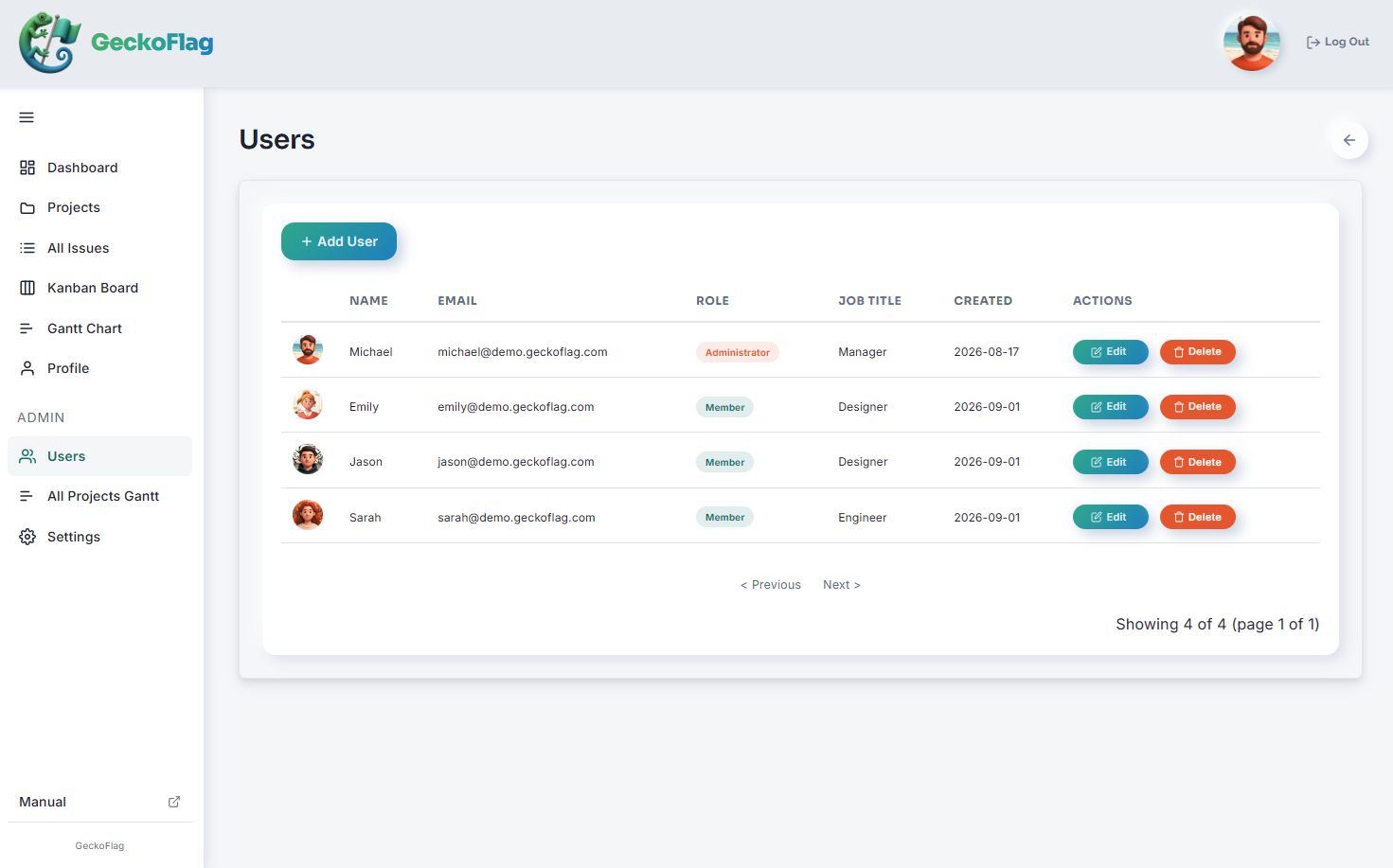
GeckoFlag's settings screen lets you configure everything from users and organization details to task classification, branding, and security and operations — all from the admin dashboard. You can tailor the fine details to match how your project and team actually work (available to administrators only).
User & Organization Settings
- Manage roles and departments — freely set each user's role and department.
- No limit on project members — there's no limit imposed by the system itself (it depends on your server's capacity), so you can add as many members as you need.
Task Classification Settings
- Customizable statuses — configure statuses to match how your team actually works.
- Customizable priorities — set up priority levels that fit the kind of work you do.
- Time zone settings — choose from 24 time zones to match your region.
Security & Operations
- Change the login URL — change the login URL to a custom path from the admin dashboard to reduce the risk of unauthorized access.
- Apply software updates — just upload the distributed update ZIP file from the admin dashboard; file updates and database migrations run automatically.
Benefits of the Settings Screen
Because you can handle the settings you need directly from the admin dashboard, you can run GeckoFlag flexibly to match your project and team's actual needs — without relying on outside tools or specialized expertise.
Back to Features